# PayPal Settings

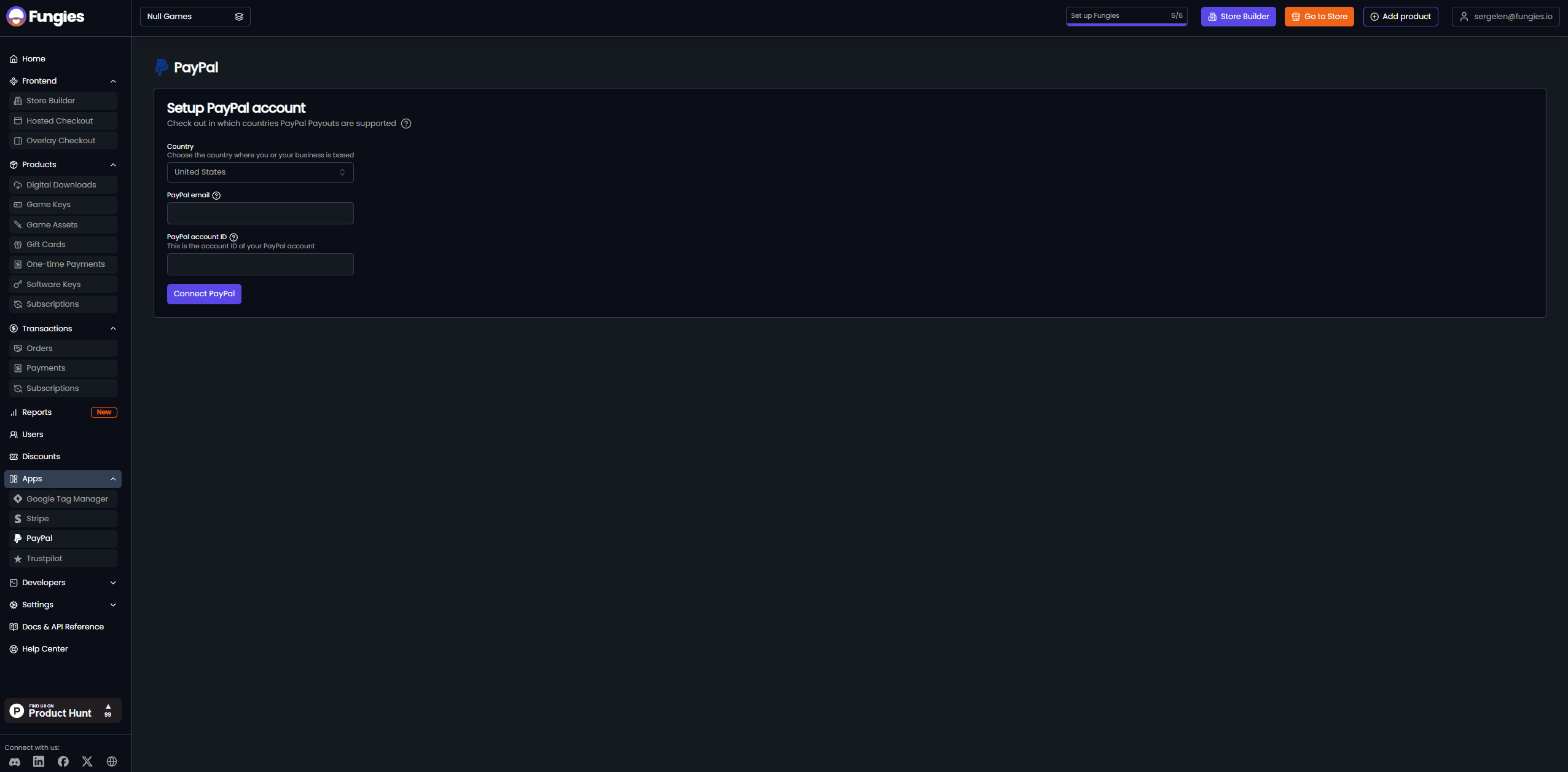
In order to start accepting PayPal payments, you just need to fill out these 2 fields in the Dashboard:

<figure><img src="https://3798839229-files.gitbook.io/~/files/v0/b/gitbook-x-prod.appspot.com/o/spaces%2FtTjX1Zr5bWzjMleIZro2%2Fuploads%2FBX5HlBNRv8xh7kVnWn6v%2Fimage.png?alt=media&#x26;token=0d752f90-fce3-4df6-9dac-707569b73e9d" alt=""><figcaption><p>Fill in your PayPal e-mail along with Merchant ID to get PayPal payouts.</p></figcaption></figure>

You can find your PayPal Merchant ID in your PayPal Dashboard (under Account Settings):

<figure><img src="https://3798839229-files.gitbook.io/~/files/v0/b/gitbook-x-prod.appspot.com/o/spaces%2FtTjX1Zr5bWzjMleIZro2%2Fuploads%2F9Q3eeGHfrgpgr46Mbh7E%2Fimage.png?alt=media&#x26;token=b9721492-b7c4-40b3-b0c7-5a3e3d400e9c" alt=""><figcaption><p>Find your PayPal Merchant ID in Account Settings.</p></figcaption></figure>

PayPal payouts are made weekly on Wednesdays.
