# Customer Payment Methods

Here's a list of payment methods available to customers when you start integrating our Merchant of Record payments platform:

1. Cards

<figure><img src="/files/OfKAVvWZTwXGMavFJrwp" alt=""><figcaption><p>Payment flow for your customers</p></figcaption></figure>

<figure><img src="/files/wu2E2ER5yCksTGASNhde" alt=""><figcaption><p>List of available Card payment methods</p></figcaption></figure>

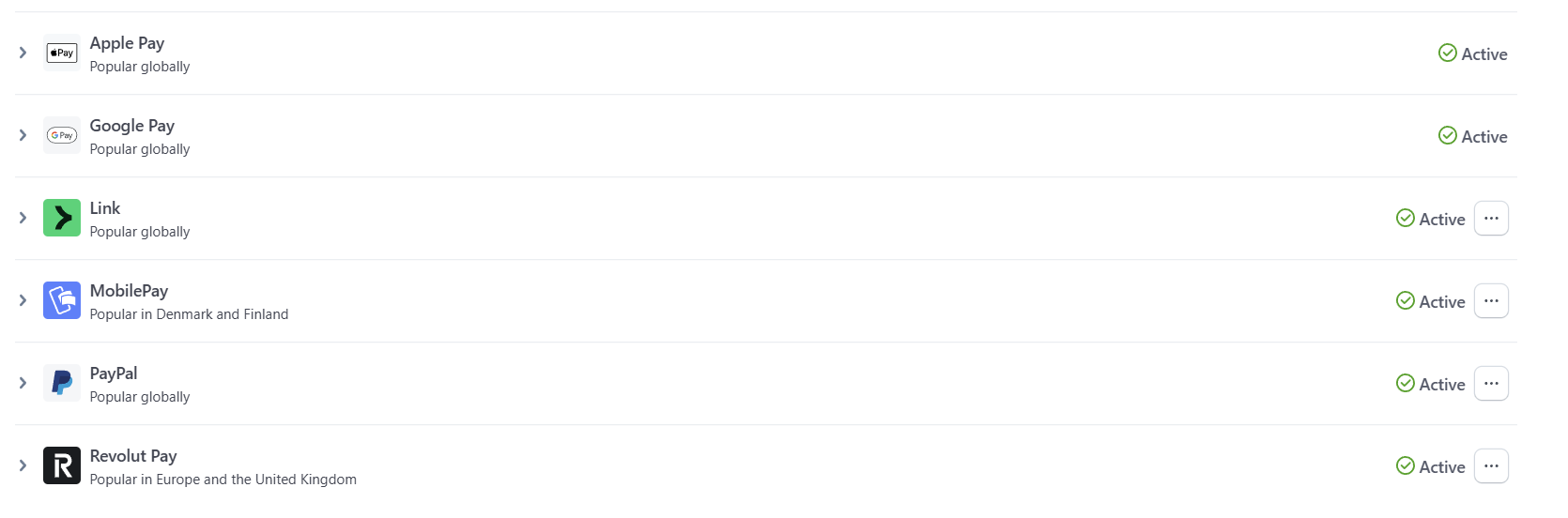
2. Wallets

<figure><img src="/files/JJpgeliQx7UitVlwZO1c" alt=""><figcaption><p>Available Wallet payment methods for customers</p></figcaption></figure>

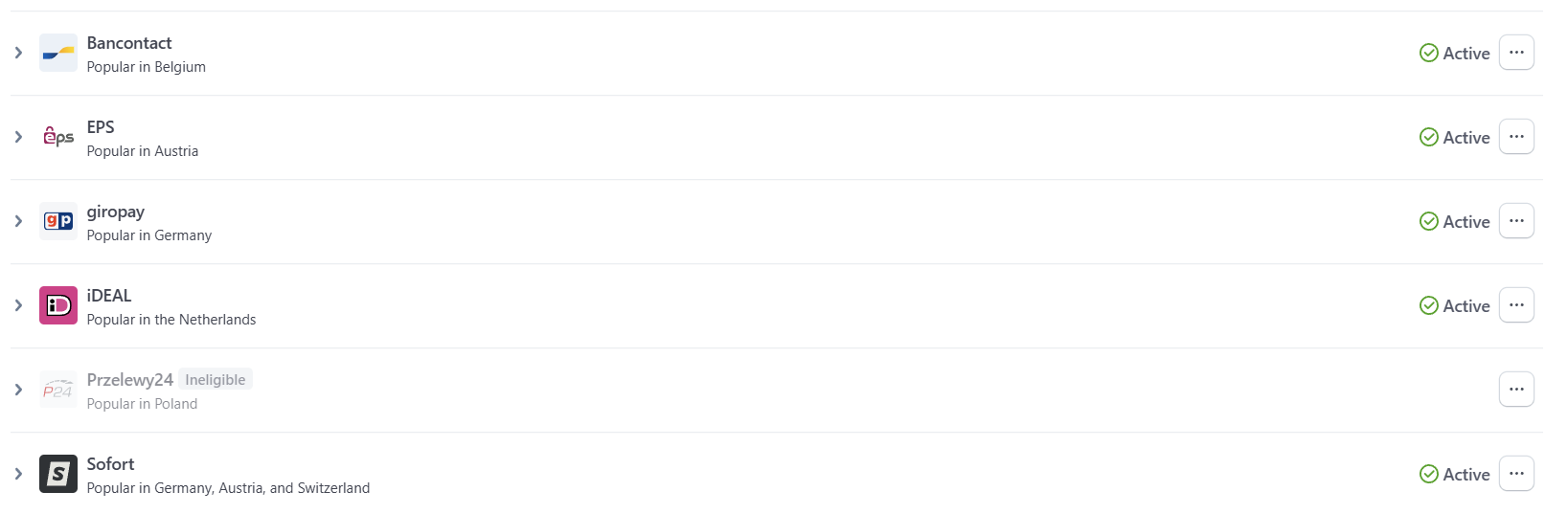
2. Bank Redirects

<figure><img src="/files/3Nfd7Qsi4cQfmkbJt14a" alt=""><figcaption><p>All Bank Redirects if you use our Hosted Checkout solution (Przelewy24 is coming soon)</p></figcaption></figure>

4. Vouchers

<figure><img src="/files/8U6S9tBDEzV2z0hrB5Wz" alt=""><figcaption><p>Multibanco is supported</p></figcaption></figure>

5. Buy Now, Pay Later

<figure><img src="/files/aFS56iBRAWXg54XoEOCQ" alt=""><figcaption><p>BNPL available methods</p></figcaption></figure>

6. Bank Debits

<figure><img src="/files/PralPDaFkgrSL6Zw4tcZ" alt=""><figcaption><p>SEPA is available as a Payment Method for EU-based customers</p></figcaption></figure>

7. South Korean Payment Methods

<figure><img src="/files/H7valPcy52r1Kl8SfkPB" alt=""><figcaption><p>South Korean customers will pay with Naver Pay, Kakao Pay, Samsung Pay and Payco</p></figcaption></figure>

8. PayPal

**Customer locations:**

Worldwide (any country)

**Presentment currency:**

EUR, GBP, USD, CHF, CZK, DKK, NOK, PLN, SEK, AUD, CAD, HKD, NZD, SGD

<figure><img src="/files/2DSzv0zAPftT5jnue6E7" alt=""><figcaption><p>PayPal payment flow at checkout</p></figcaption></figure>

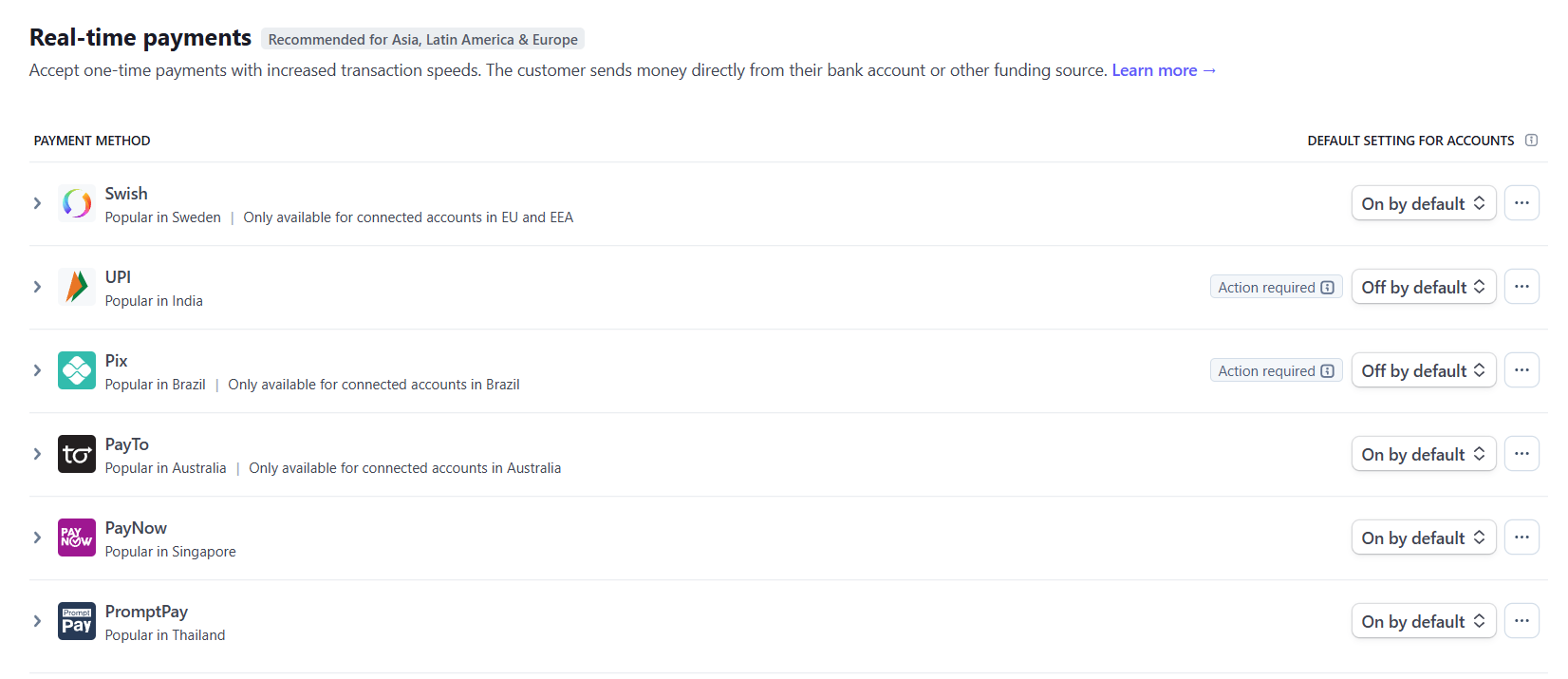
9. Others (Off by Default + Action Required = You have to set this up for yourself in your own Stripe Dashboard Payment Methods settings):<br>

<figure><img src="/files/CGaO8XOSKxbwdZbZqXOJ" alt=""><figcaption></figcaption></figure>

<figure><img src="/files/sPqMW7VsaigdaWePbmpE" alt=""><figcaption></figcaption></figure>

<figure><img src="/files/RHisLhl9dgBbRIdZNfoD" alt=""><figcaption></figcaption></figure>


---

# Agent Instructions: Querying This Documentation

If you need additional information that is not directly available in this page, you can query the documentation dynamically by asking a question.

Perform an HTTP GET request on the current page URL with the `ask` query parameter:

```
GET https://help.fungies.io/getting-paid/customer-payment-methods.md?ask=<question>
```

The question should be specific, self-contained, and written in natural language.
The response will contain a direct answer to the question and relevant excerpts and sources from the documentation.

Use this mechanism when the answer is not explicitly present in the current page, you need clarification or additional context, or you want to retrieve related documentation sections.